Best Image Resolution for Large Canvas Prints Without Losing Quality
Introduction
Creating large canvas prints can turn a simple photo into stunning wall art. However, image quality plays a major role in the final result. Many people upload low-resolution photos and later notice blurry details, pixelation, or faded sharpness in the print. That is why understanding the best image resolution for large canvas prints is important before placing an order.
A high-quality canvas print depends on the right image size, resolution, file format, and viewing distance. When these factors work together, your print looks sharp and professional even on a large wall. Whether you want to print family photos, travel pictures, artwork, or business designs, choosing the correct resolution helps preserve every detail.
In this guide, you will learn the best image resolution for large canvas prints without losing quality. You will also discover useful tips, common mistakes, and the ideal settings for professional-looking results.
Why Image Resolution Matters for Canvas Prints
Image resolution determines how clear and detailed your canvas print will appear. Resolution refers to the number of pixels in an image. More pixels usually mean better quality because the image contains more detail.
When an image is stretched to fit a large canvas, low resolution becomes more noticeable. Small images may look fine on a phone screen, but they can appear blurry when printed on a large canvas.
High-resolution images help:
- Keep details sharp
- Prevent pixelation
- Improve color quality
- Create professional-looking prints
- Maintain image clarity on large surfaces
Most printing companies recommend using images with at least 150 DPI to 300 DPI for large canvas prints. DPI stands for dots per inch. A higher DPI produces a cleaner and sharper print.
Understanding the Best DPI for Large Canvas Prints
DPI is one of the most important factors when preparing images for printing. Different print sizes require different DPI levels depending on the viewing distance.
| Canvas Print Size | Recommended DPI | Quality Level |
|---|---|---|
| Small Prints (8x10) | 300 DPI | Excellent |
| Medium Prints (16x20) | 200-300 DPI | High Quality |
| Large Prints (24x36) | 150-200 DPI | Very Good |
| Extra Large Wall Art | 100-150 DPI | Acceptable from Distance |
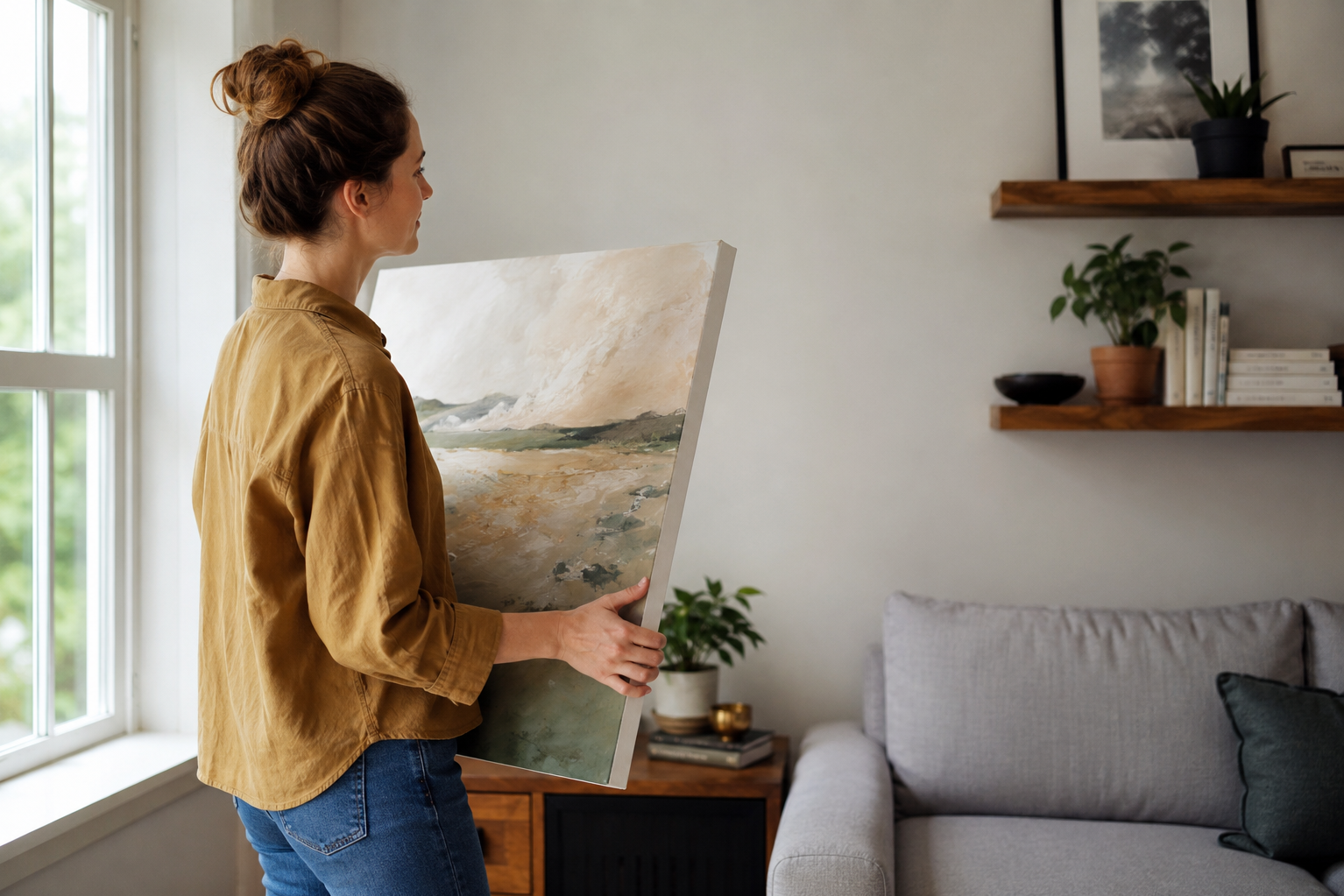
Different DPI levels produce noticeably different results when viewed up close versus from a distance.
Smaller prints are viewed closely, so they need higher DPI. Larger canvas prints are usually viewed from farther away, which allows slightly lower DPI without noticeable quality loss.
Ideal Image Size for Large Canvas Printing
Image size and resolution work together. Even if an image has high DPI, it still needs enough total pixels to support large printing.
For example:
- A 24x36 canvas at 300 DPI requires 7200 x 10800 pixels
- The same canvas at 150 DPI requires 3600 x 5400 pixels
Using images smaller than these recommendations may reduce print quality.
Here are common ideal pixel dimensions for large canvas prints:
- 16x20 canvas: 3200 x 4000 pixels
- 20x30 canvas: 3000 x 4500 pixels
- 24x36 canvas: 3600 x 5400 pixels
- 40x60 canvas: 6000 x 9000 pixels
Modern smartphone cameras often produce images large enough for medium-sized canvas prints. However, professional DSLR or mirrorless cameras usually provide the best results for extra-large wall art.
If you plan to enlarge older photos, scanned images, or downloaded pictures from social media, you should check the resolution carefully before printing.
Best File Formats for High-Quality Canvas Prints
Choosing the correct file format also affects print quality. Some file types compress images heavily, which can reduce sharpness and detail.
The best file formats for canvas printing include:
JPEG
JPEG is the most commonly used format. It works well for photos and keeps file sizes manageable. Always save JPEG files at maximum quality settings to reduce compression loss.
PNG
PNG files preserve more detail and support lossless compression. They are useful for artwork, graphics, and designs with text.
TIFF
TIFF files provide excellent image quality with minimal compression. Professional photographers often use TIFF for large-format printing.
RAW Files
RAW images contain the highest amount of detail captured by a camera. Editing RAW files before exporting them for print helps maintain maximum quality.
Important: Avoid screenshots or images downloaded from social media platforms. These files are often compressed and too small for large canvas prints.
Common Mistakes That Reduce Canvas Print Quality
Many people accidentally lower image quality before printing. Understanding common mistakes can help you avoid disappointing results.
Using Low-Resolution Images
Low-resolution photos are the biggest reason for blurry canvas prints. Always check pixel dimensions before uploading images.
Overediting the Photo
Too much sharpening, filtering, or editing can make prints look unnatural. Keep edits balanced and realistic.
Cropping Too Much
Heavy cropping removes pixels from the original image. This reduces the final print resolution.
Downloading Images from Social Media
Social media platforms compress uploaded photos. Even high-quality originals become smaller after upload.
Ignoring Color Settings
Different screens display colors differently. Professional print labs often recommend using the sRGB color profile for consistent results.
Avoiding these common mistakes will help you achieve professional-quality canvas prints every time.
Avoiding these mistakes helps maintain sharpness and professional print quality.
Tips to Improve Image Quality Before Printing
If your image resolution is slightly low, there are still ways to improve the final result before printing.
Here are some helpful tips:
- Use photo editing software to enhance sharpness carefully
- Adjust brightness and contrast for better detail
- Remove digital noise from low-light photos
- Use AI upscaling tools for enlarging images
- Save edited images in high-quality formats
- Check image dimensions before ordering
- Preview the image at full print size
Professional editing tools like Adobe Photoshop or Lightroom can help optimize images for canvas printing. Many online print services also provide preview tools that show how your image will appear on canvas.
Some AI image upscaling tools can increase image size without causing major quality loss. These tools use advanced technology to add detail intelligently during enlargement.
How Viewing Distance Affects Print Resolution
Viewing distance is an important factor that many people overlook. A print seen from far away does not require the same sharpness as one viewed up close.
For example, a large canvas hanging above a sofa is usually viewed from several feet away. In this case, a lower DPI may still look sharp to the human eye.
Here is a simple guide:
- Close viewing distance: 300 DPI recommended
- Medium viewing distance: 200 DPI works well
- Far viewing distance: 100-150 DPI is acceptable
This is why billboards can use lower resolution while still appearing clear from a distance.
Understanding viewing distance helps you choose the best balance between file size and print quality.
Choosing the Right Printing Service for Better Results
Even a high-resolution image can look poor if printed by a low-quality service provider. The printing company, canvas material, and ink quality all affect the final result.
When choosing a canvas printing service, look for:
- High-quality canvas materials
- Fade-resistant inks
- Professional print reviews
- Image preview tools
- Custom size options
- Resolution recommendations
- Reliable customer support
Professional print companies often check image quality before printing. Some services even warn users if the uploaded image resolution is too low.
It is also helpful to order from companies that use modern printing technology. Advanced printers can produce more accurate colors and sharper details on large canvas surfaces.
Conclusion
Choosing the best image resolution for large canvas prints is essential if you want sharp, detailed, and professional-looking wall art. High-resolution images maintain clarity and prevent blurry or pixelated prints. In most cases, using 150 to 300 DPI delivers excellent results depending on the canvas size and viewing distance.
Always check your image dimensions before printing. Use high-quality file formats, avoid compressed social media images, and edit photos carefully to preserve detail. Understanding factors like DPI, pixel size, and viewing distance helps you create beautiful canvas prints without losing quality.
Whether you are printing family memories, photography, or artwork, the right image resolution ensures your canvas print looks impressive for years to come.
With the right resolution and preparation, your canvas prints will look stunning for years to come.
Check Your Image Before You Print
Use our free Print Size Calculator to instantly check if your image has enough resolution for your desired canvas size. See exactly how it will look at 150, 200, or 300 DPI.
Try the Free Print Size Calculator →